



Maisonroll App
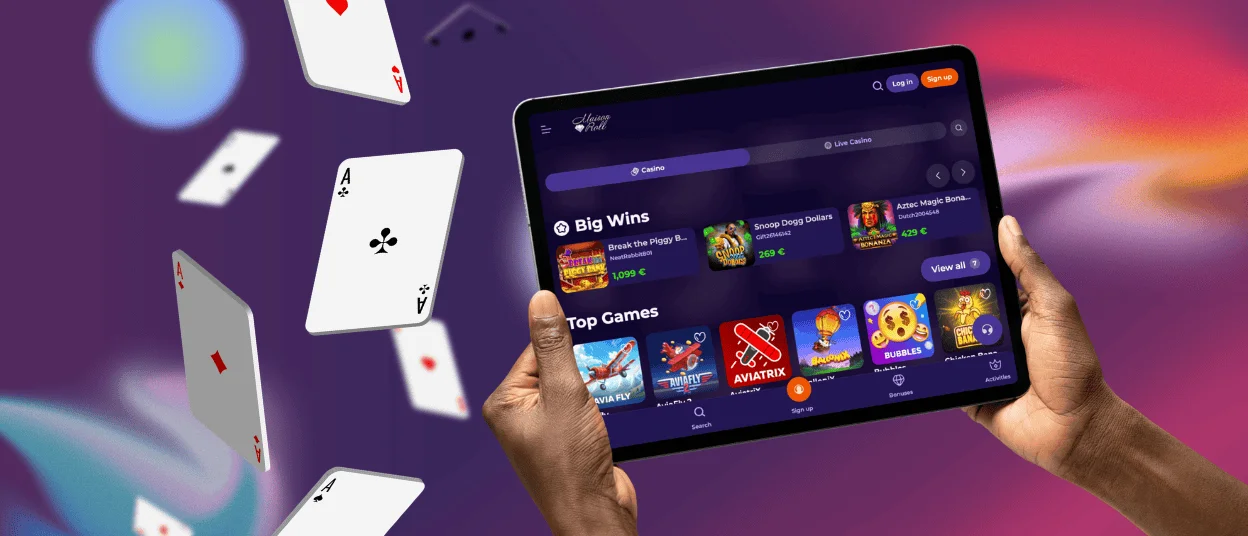
The Maisonroll app opens directly in a browser and works on any device. It is a Progressive Web App, so it delivers full access to games and bonuses without a separate install file. The interface stays consistent across a phone, a tablet or a desktop computer.
This browser-based approach suits most players better than a traditional download. Updates apply automatically on the server side, device storage stays free, and new features become available as soon as they are released.



Mobile Gaming with Maison Roll
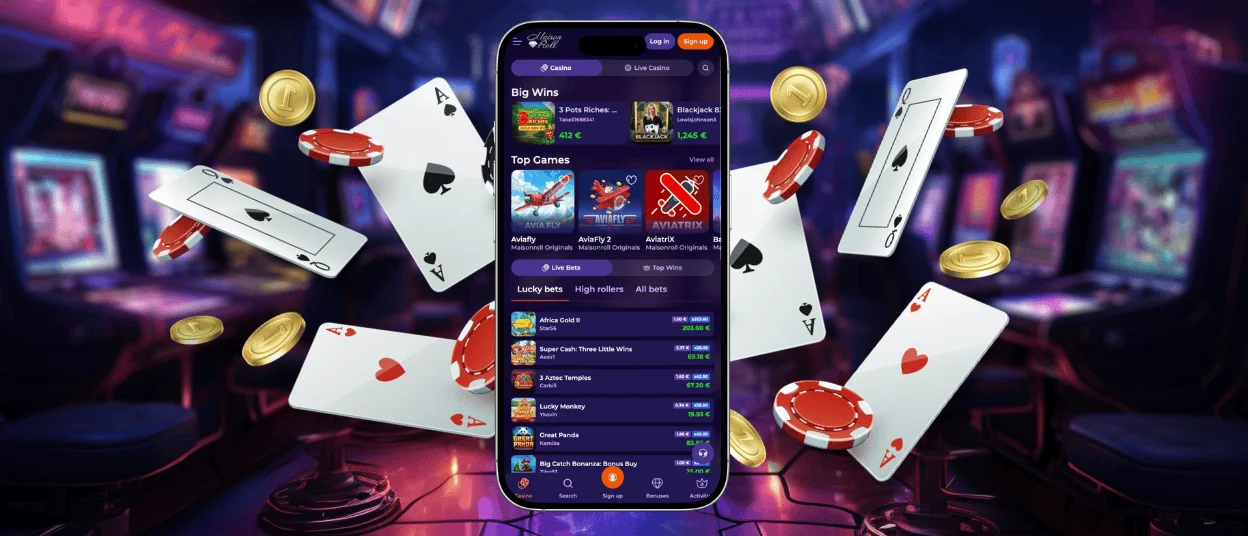
Touch controls guide the design of the mobile casino from the start. Buttons and game controls are sized for fingers, so browsing between sections and placing bets feels natural on a phone screen.
Most features found on desktop carry over to mobile without change. The wallet, verification steps, active promotions and live chat with the support team stay within reach. Live dealer tables and certain slot titles look sharper on a bigger screen, and longer sessions tend to feel more comfortable on a larger display. A short session or a handful of live casino rounds work well within the mobile version of Maisonroll.
Maison Roll for Android
Chrome is the browser recommended for running the Maisonroll app on Android, and setting up the shortcut takes less than a minute. The steps are as follows:
- Open the Maisonroll website in Chrome.
- Tap the three-dot menu in the browser’s top-right corner.
- Select “Add to Home Screen” from the list of options.
- Confirm the name, then tap “Add.”
- The icon appears on the home screen, ready to open.
Maisonroll does not offer a separate APK file. Instead, the platform uses a Progressive Web App (PWA) that can be installed from the official website. Chrome versions from Android 8.0 onward support the app, and performance is strongest on Android 10 and later. Push notifications for bonus alerts and promotion updates work reliably as long as Chrome is kept up to date.
Maison Roll on iOS
On an iPhone or iPad, Maisonroll runs through Safari. Opening the website, tapping the Share icon and selecting “Add to Home Screen” places an icon among the other apps, and tapping it launches the casino in a full-screen view.
Recent iOS versions handle Progressive Web Apps smoothly. Page transitions and game loading stay quick, and the overall feel matches what’s expected from an app downloaded through the App Store. Performance stays consistent across the current iPhone and iPad range, largely thanks to the tight integration between Safari and the operating system.
Playing on Desktop
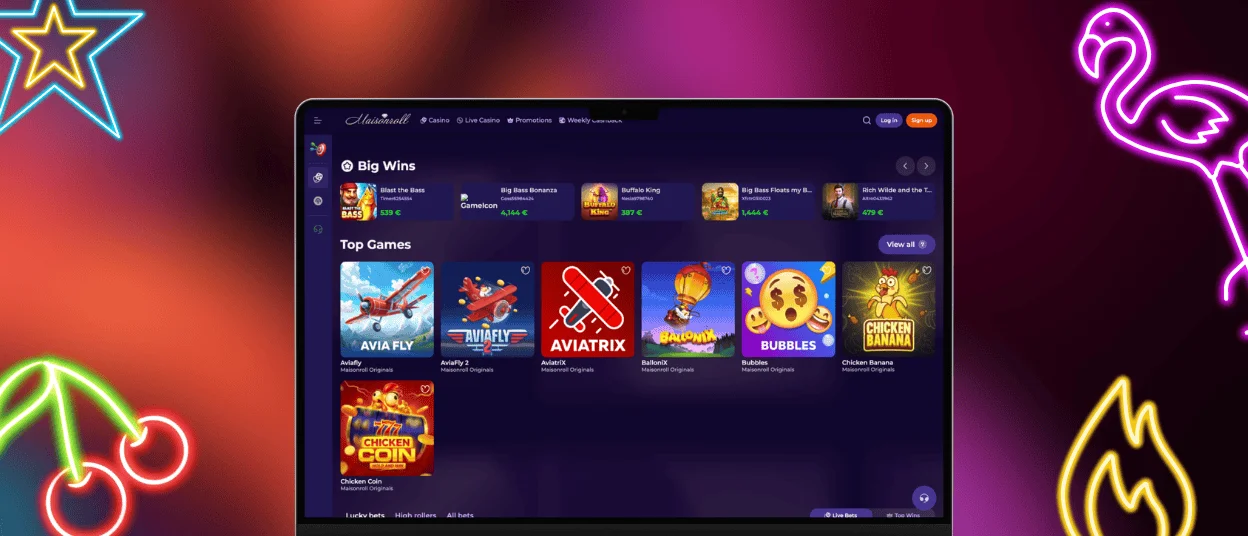
Windows and macOS users open Maisonroll directly in a browser, with the platform ready within seconds. Chrome, Firefox, Safari and Edge all load the site without extra setup.
Desktop suits certain formats better than others. Live dealer feeds, side-bet panels and chat windows appear at full resolution on a larger screen, and larger click targets make blackjack or roulette easier to play with precision. Push notification settings can also be adjusted in more detail through a desktop browser than through the mobile version, letting a player choose which alerts to receive. A stable connection keeps live streams running cleanly over an extended session, and the site can stay open in one tab alongside other browser activity.
How the Maisonroll PWA Works
A Progressive Web App behaves like an installed application once added to the home screen, without requiring a download from an app store. The Maison Roll PWA delivers a full-screen interface, home screen access and push notifications through a browser session connected directly to the platform’s servers.
Security follows the same standards already used across the desktop version, since no separate installation file exists that could be altered. The table below outlines the main security elements built into the platform.
| Security Element | What It Covers |
| Encrypted browser session | Data exchanged between the device and the servers travels under HTTPS encryption with valid TLS certificates throughout. |
| No downloadable install file | The platform loads live from the servers each time, removing the risks tied to sideloaded packages or altered APK files. |
| Automatic updates | Security patches apply on the server side, so the next visit already runs the current version. |
| Two-factor authentication | An additional login step can be enabled to limit unauthorized account access. |
| Independent RNG testing | Game outcomes are checked by external testing bodies to confirm fairness. |
Across every device, the same set of features stays available:
- Slots, live dealer tables, table games and crash titles from the full catalog
- Deposits, withdrawals and balance tracking in real time
- Active bonuses, ongoing missions and tournament entries through the promotions section
- Live chat with the support team, available at any hour
- Account settings, the verification process and responsible gaming controls
FAQ
Can live casino games be played on a mobile device at Maisonroll?
Yes, live dealer tables run through the Maison Roll mobile app without restriction. Stream quality adjusts to the connection in use, so the picture stays stable on 4G, 5G or Wi-Fi. Touch controls apply throughout, and chat with the dealer works the same way it does on desktop.
Does Maisonroll sync balance and session data across devices automatically?
Yes, all your data syncs across devices automatically. Your balance, bonus status, and game history are stored on the platform’s servers and remain the same no matter which device is used. Switching from desktop to a phone mid-session shows the correct balance right away.
Is the same account usable on more than one device?
Yes, you can use the same account on multiple devices. Users can log in to the same account in a browser, in the app, and on different devices. However, keep in mind that you should log out of your account if you’re using a public device.
Is a Maisonroll APK available for Android?
No separate APK file is needed. Installing through the browser and adding the shortcut to the home screen gives the same access while avoiding the risks linked to files obtained outside an app store.


